
Restaurant SEO in Québec
Before choosing a restaurant, diners want to know what’s on the menu, whether the kitchen is open and how to get a table or order takeout. Check what people see in Google Search and Maps, then open the same links on a phone. Start with one location and work through the steps below before expanding to another.
Put your current menu on a page people can read
Give your menu a stable link on your own site. Write the sections, dish names, descriptions and current prices as text so they’re easy to read, search and update. A photo or printable PDF can sit alongside the web version. If you switch from lunch to dinner or serve brunch on weekends, put those hours beside the relevant menu. Add your process for dietary questions and use wording your kitchen can stand behind.
A Plateau restaurant that allows guests to bring wine could explain that policy in both languages on its menu and reservation page. In English, people may say “bring your own wine,” “BYOW” or “BYOB.” Use the phrase that describes your actual policy and mention any conditions, such as whether it also applies to outdoor seating. Tourisme Montréal’s BYOW guide shows how the term appears in local dining coverage.
Check each action on your Google listing
Confirm your existing Google Business Profile, then check the name, address, category and hours. Add special hours when you open or close for a holiday. Use the hours when people can dine in as your main hours and set additional hours for takeout or delivery where your profile supports them.
Link the menu field to the full menu and use the booking or food ordering fields for those actions. If Google shows more than one menu source, use the menu editor to choose the current version when the option is available. Open every public link to check the destination and the location it selects. Follow Google’s restaurant profile guide and its instructions for managing links and choosing a preferred provider.
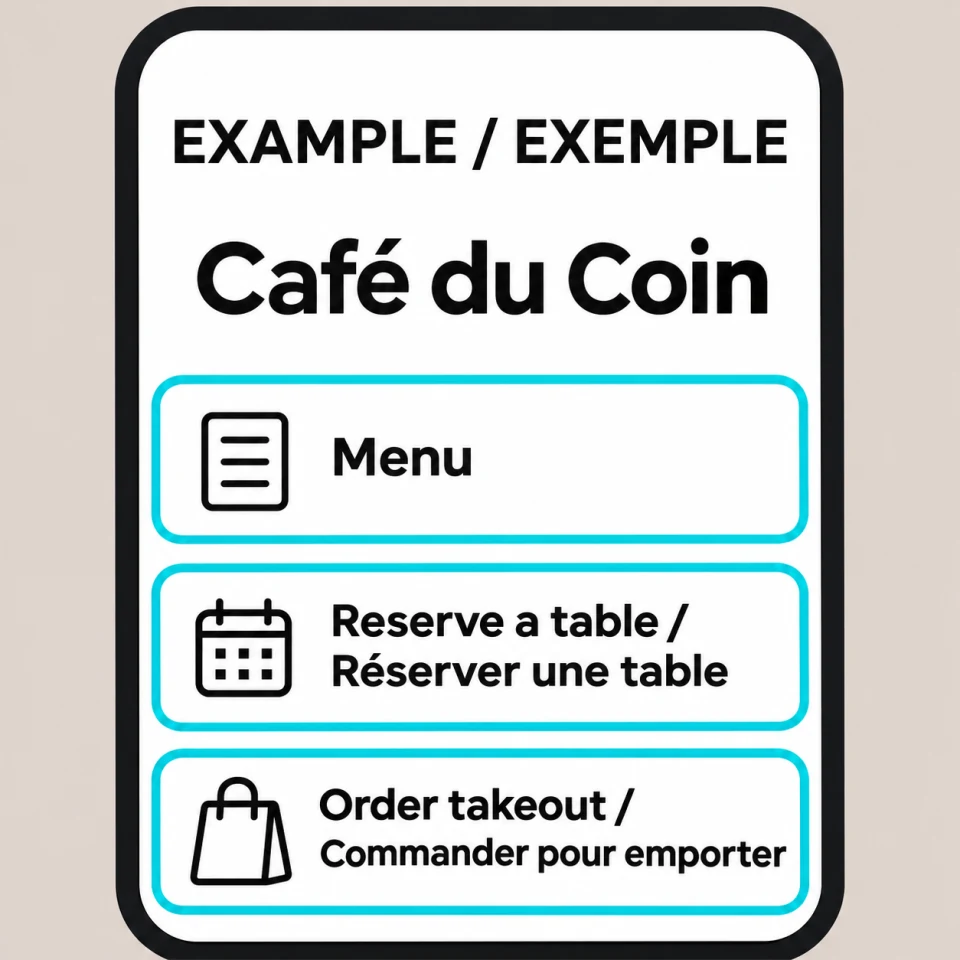
Imagine a Lévis café that takes group bookings for weekend brunch and serves walk-ins on weekday mornings. Its menu can show the brunch times. Its reservation page can state which groups need to book and whether people can book a terrace table. Bonjour Québec’s listing for Le Café du Vire-Crêpes illustrates the value of pairing a dining description with practical details about groups, parking and reservations.
Run a one-location check before your next service
- Make four rows on a sheet: menu, hours, reservations and takeout. For each row, record the live page or link, what you expect to see, what you actually see and who can fix a mismatch.
- Search for your restaurant on a phone while signed out. Open the menu, choose a reservation time and start a pickup order without placing it. Check that the right address follows you through each step.
- Repeat the check in French and English if you publish both. Test again when your hours, menu or booking provider changes.
If customers still call to ask when the kitchen closes, compare the hours on your menu, your map listing and your ordering page. Put the answer where they first look, then ask the next shift whether the calls continue.
Use the local SEO guide for the rest of your listing. Then follow the Search Console guide to check which searches surfaced your menu page. Track reservations or pickup orders in the system that actually receives them.